Insert Group Box
The Group Box tool lets you add a labeled box around a group of shapes. Note that the Group Box is automatically placed behind all the symbols and connectors it encompasses. The form allows you to set the text, formatting, and text alignment within the group box. The "..." button in the Output Location section lets you select the region where the group box should be placed. The Style fields let you set the color formatting for the group box, as well as the corners and line style.
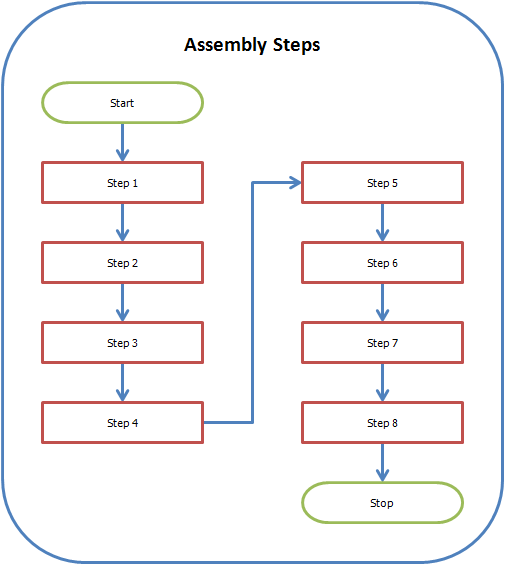
Sample Group Box