Flowchart Templates
Swim Lane Template Generator
With the FlowBreeze Template Generator, you can ...
- Create re-usable swim lane templates (aka, cross-functional flowcharts).
- Make vertical or horizontal swim lanes, in either landscape or portrait layouts.
- Standardize your title blocks with up to 6 header fields (plus optional logo) and 3 footer fields.
- Specify the line color, font, and paper size (8-1/2x11, Legal, 11x17, A3, and A4).
Template Designer Screenshots
The Template Generator has three tabs Template Properties, Title Block, and Swim Lanes. On the Template Properties tab you can set the template file info and the template appearance. On the Title Block tab you can set the header and footer from preset layouts, with the option to add your company logo to the template. The settings are preserved between uses. (The Swim Lanes tab is discussed below for each layout type).
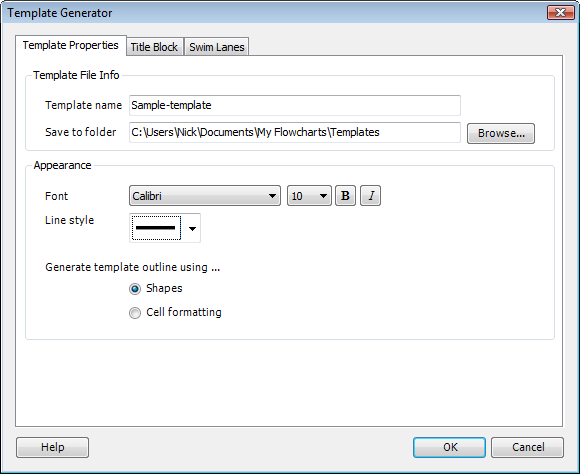
Template Generator - Properties Tab
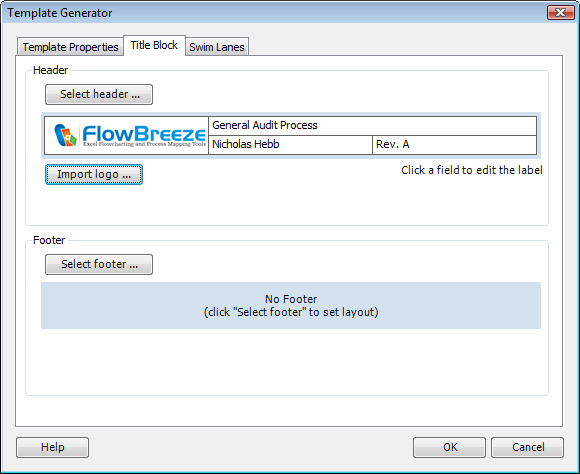
Template Generator -Title Block Tab with Logo

Template Generator -Title Block Tab without Logo
Vertical Swim Lanes - Sample Input and Output
The Swim Lane tab with a vertical lane layout and a sample output. You can also set the paper size and orientation. Beneath the lane listing, FlowBreeze displays the maximum number of lanes recommened given the page layout and lane direction.
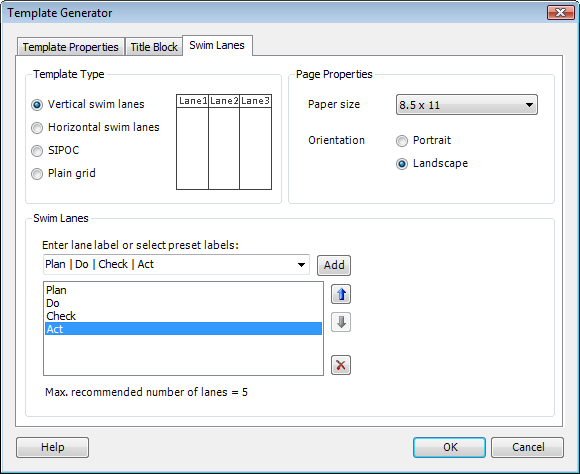
Swim Lanes Tab with Vertical Lanes
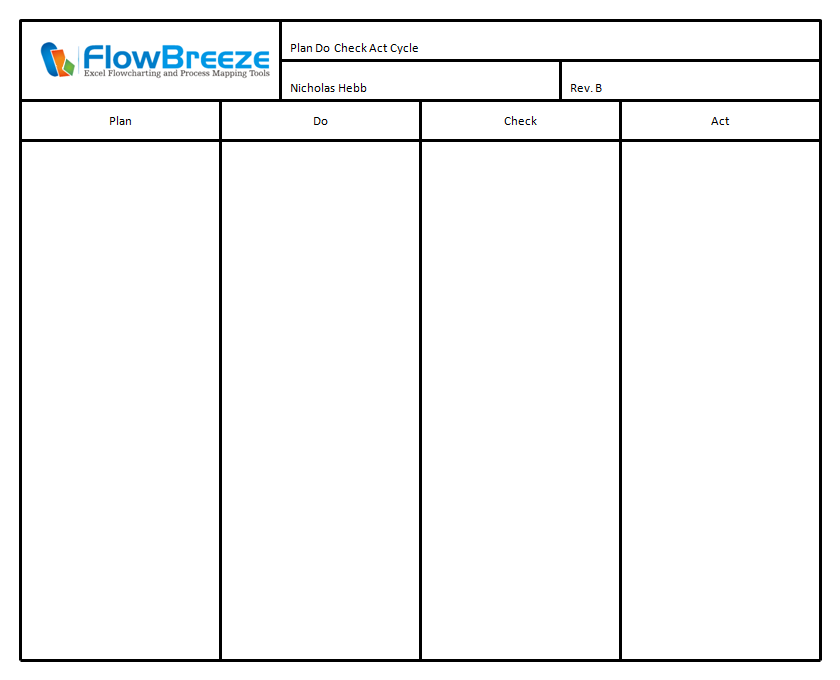
Vertical Swim Lanes of a PDCA Cycle
Horizontal Swim Lanes - Sample Input and Output
The Swim Lane tab with a horizontal lane layout and a sample output. The sample shows Value-Added / Non Value-Added swim lanes, a common method of identifying wasteful operations in a process.
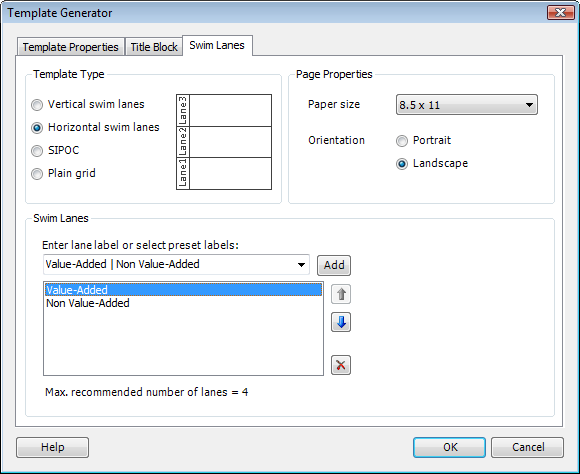
Swim Lanes Tab with Horizontal Lanes
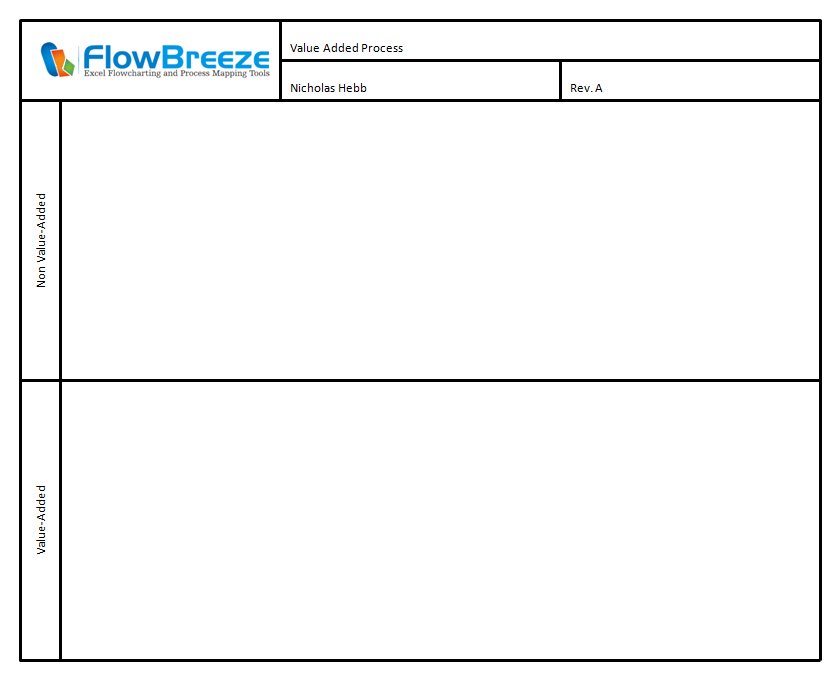
Horizontal Swim Lanes - Value-Added / Non Value-Added
SIPOC Diagram - Sample Input and Output
A SIPOC diagram is a popular process mapping layout showing the Suppliers, Inputs, Process, Outputs, and Customers.

Swim Lanes Tab with SIPOC
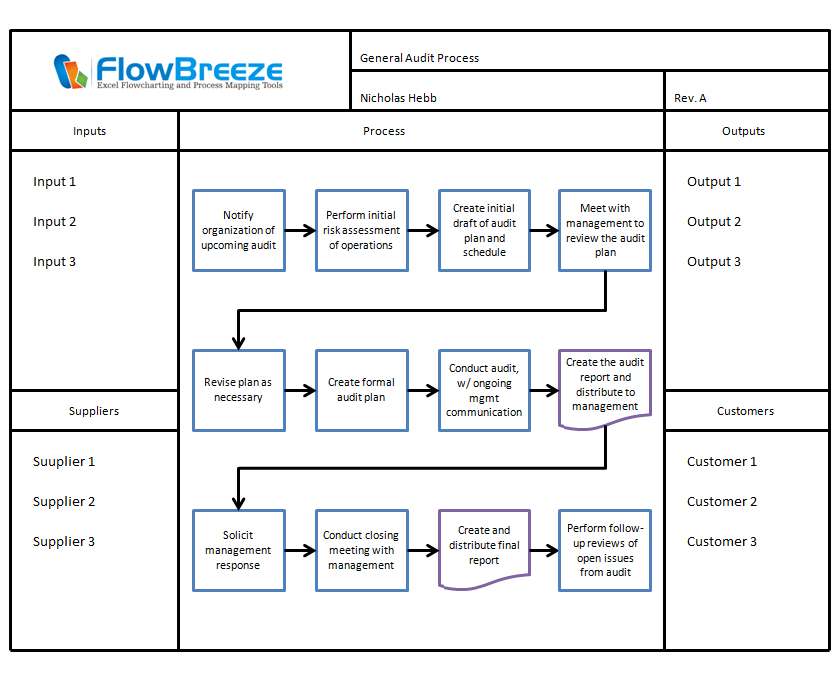
Template Output - SIPOC Diagram
Title Block with Plain Grid - Sample Input and Output
The plain grid is useful when all you need is a reusable title block.
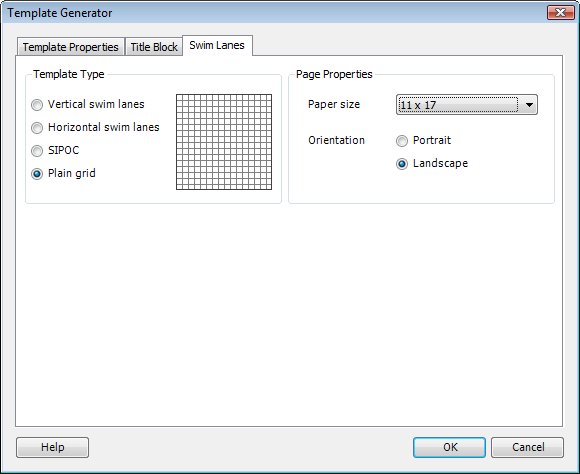
Swim Lanes Tab with Grid
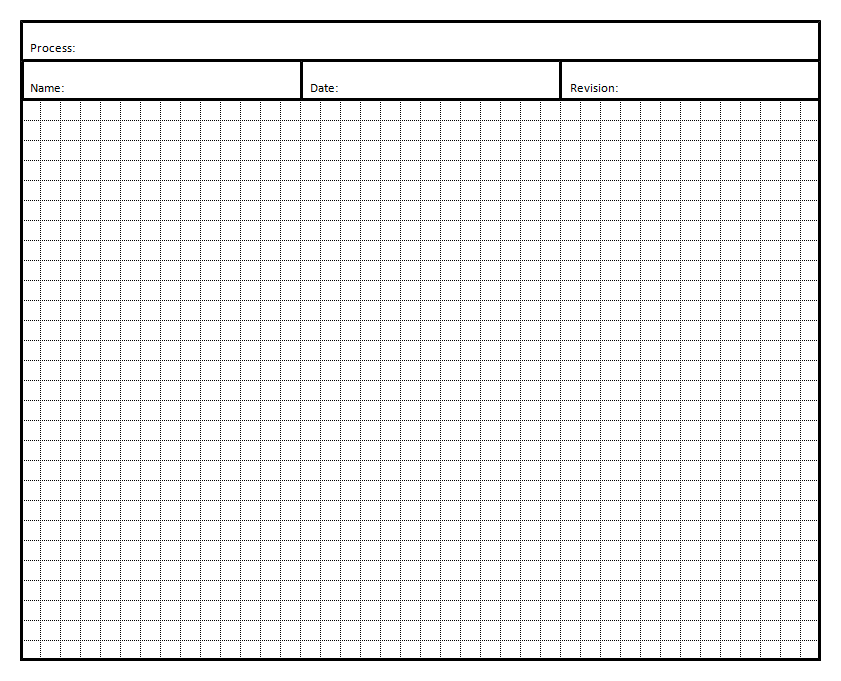
Template Output - Title Block with Grid
Samples with Colored Lines
Most of the samples on this page use black lines, but you can also generate colored lines.
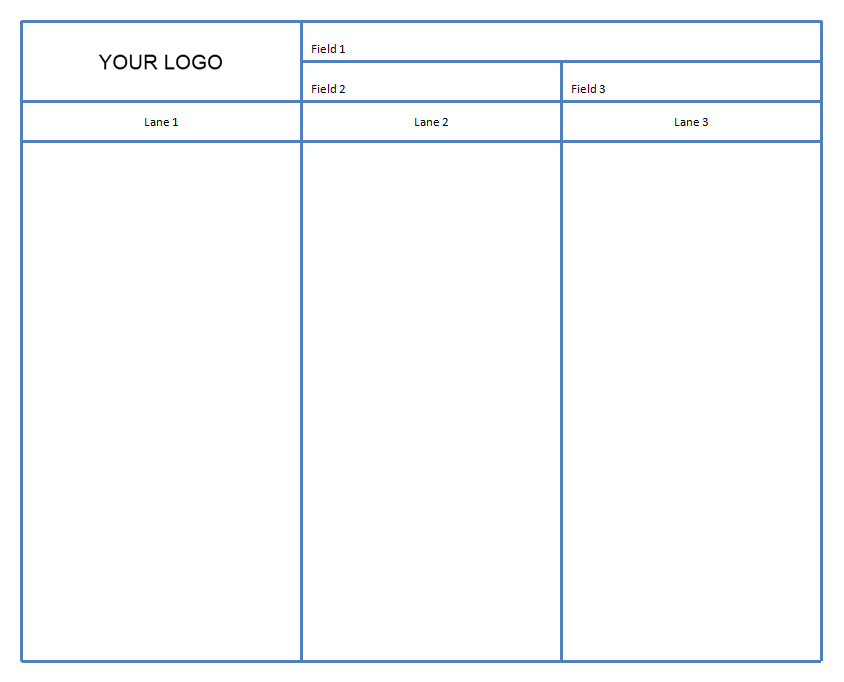
Vertical Swim Lanes - Blue
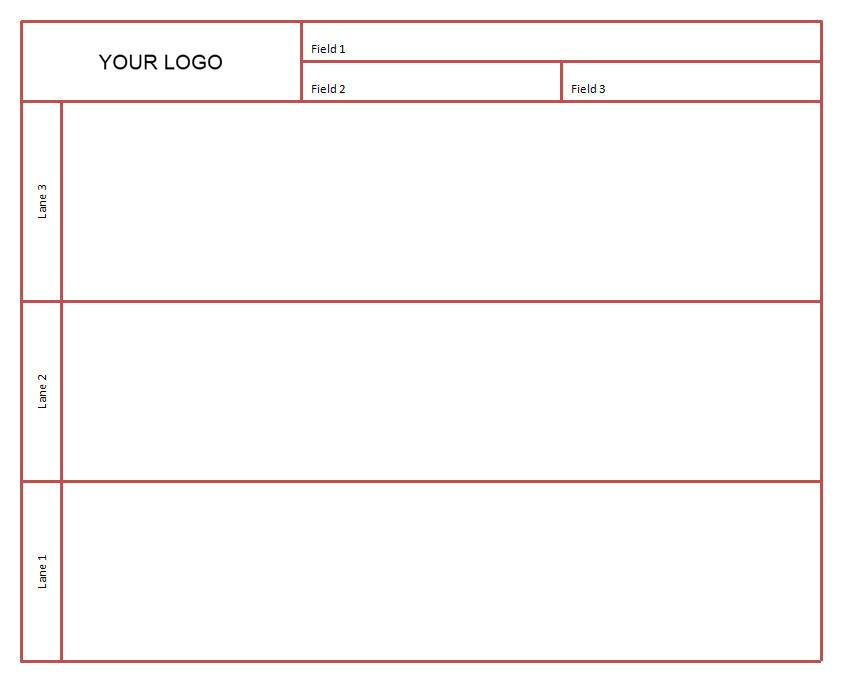
Horizontal Swim Lanes - Red