Free Template Downloads
Excel Flowchart Templates
By Nicholas Hebb
These templates should not be used with FlowBreeze Flowcharting Add-In for Excel. They are offerred free for anyone that wants pre-made swim lanes and other template types, but they were created before the Template Generator was added to FlowBreeze. The Template Generator lets you quickly create template with customized title blocks, and it produces templates that are more compatible with the current version of FlowBreeze.
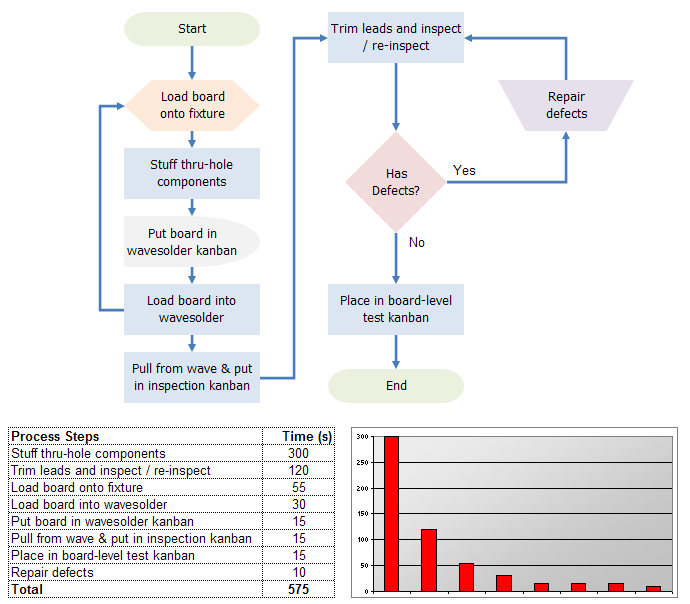
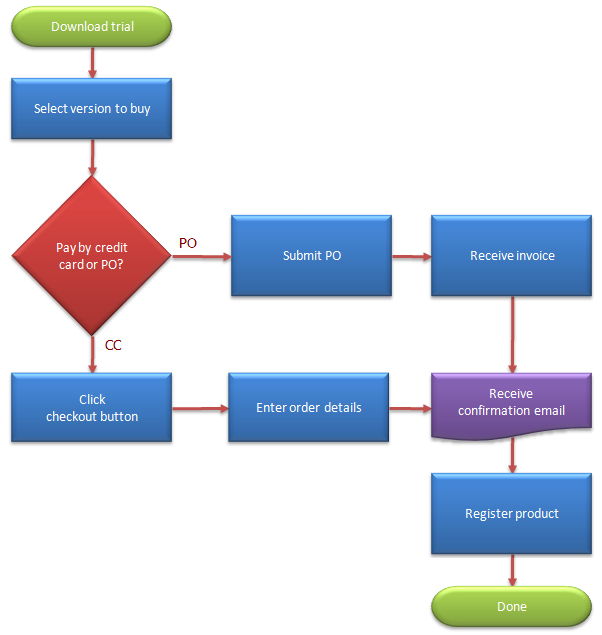
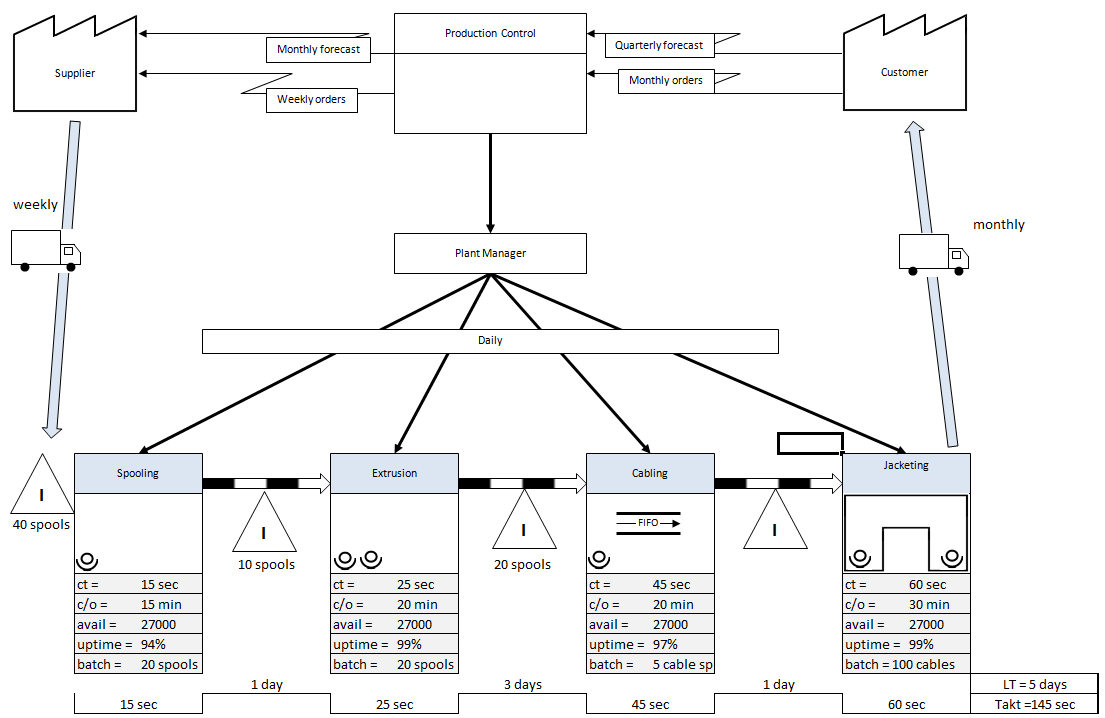
This page has over 100 flowchart templates available for download (Scroll down for download link and preview images). The flowchart templates include files in 8-1/2x11, 11x17, A3, and A4 page sizes. The flowchart templates include a mix of portrait and landscape layouts of the following process diagram types:
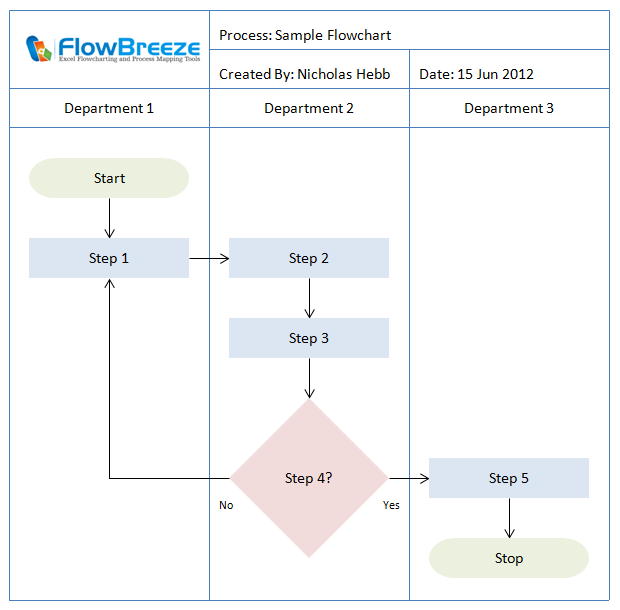
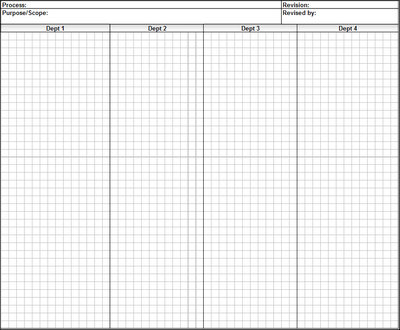
- Cross-Functional Flowcharts (aka Swim Lanes or Deployment Charts))
- Plain Grid with Title Block
- DMAIC Swim Lane Flowchart Template
- PDCA Block Diagram Template
- SIPOC Diagram Template
Excel Flowchart Wizard
FlowBreeze is a flowchart add-in for Microsoft Excel that makes creating flowcharts simple and pain free. Free 30-Day Trial.Terms of Use
These templates are copyrighted by BreezeTree Software, LCC. They are free to use for both non-commercial and commercial use. However, you are not free to re-distribute them without attribution (a link to www.breezetree.com will suffice) nor are you free to sell them.
Zipped Flowchart Template Files
You can download the flowchart template collection below. It contains both U.S. paper sizes and metric paper sizes. The template files within the zips have the following naming convention:
Paper_Size-Orientation-Template_Name.xlt, where Paper_Size is Letter, 11x17, A3, or A4 and Orientation is ls or p for landscape and portrait, respectively.
Installation Instructions
To use the flowchart templates, you will need to unzip the file and save the contents to the template folder on your PC. The default template folder for Excel varies depending upon which version of Excel and Windows you are running. The easiest way to find the folder is to create a blank Excel file and do a Save As... and select Excel Template (.xlt) as the file type. Excel will choose the default template folder to save it in and you could note where it is and store the flowchart templates there.
If all that sounds too complicated, you can just create a flowchart templates folder anywhere and store them there. To use the templates, just double-click on them from Windows Explorer and it will create a new workbook based on the template.
Previews
Below are previews of the most common flow chart templates. The swim lane templates come in a variety of lane numbers. And, as stated above, each template comes in four paper sizes.
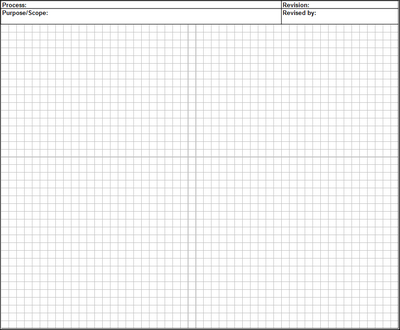
Basic Flow Chart Grid with Title Block Template:
Sample Swim Lane (Cross-Functional) Flowchart Template:
Sample SIPOC (Suppliers, Inputs, Process, Outputs, Customers) Block Diagram Template:

Sample PDCA (Plan, Do, Check, Act) Swim Lane Flowchart Template:

Sample DMAIC (Define, Measure, Analyze, Improve, Control) Block Diagram Template:

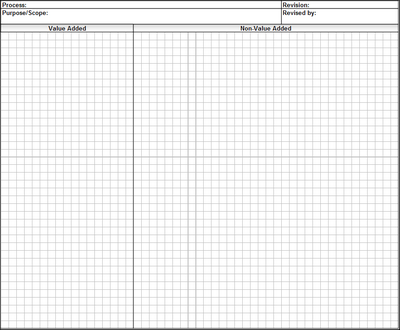
Sample Opportunity Flowchart Template:
About the Author
Nicholas Hebb
Nicholas Hebb is the owner and developer of BreezeTree Software, makers of FlowBreeze Flowchart Software, a text-to-flowchart maker, and Spreadspeed, an auditing and productivity toolset for Microsoft Excel®.